
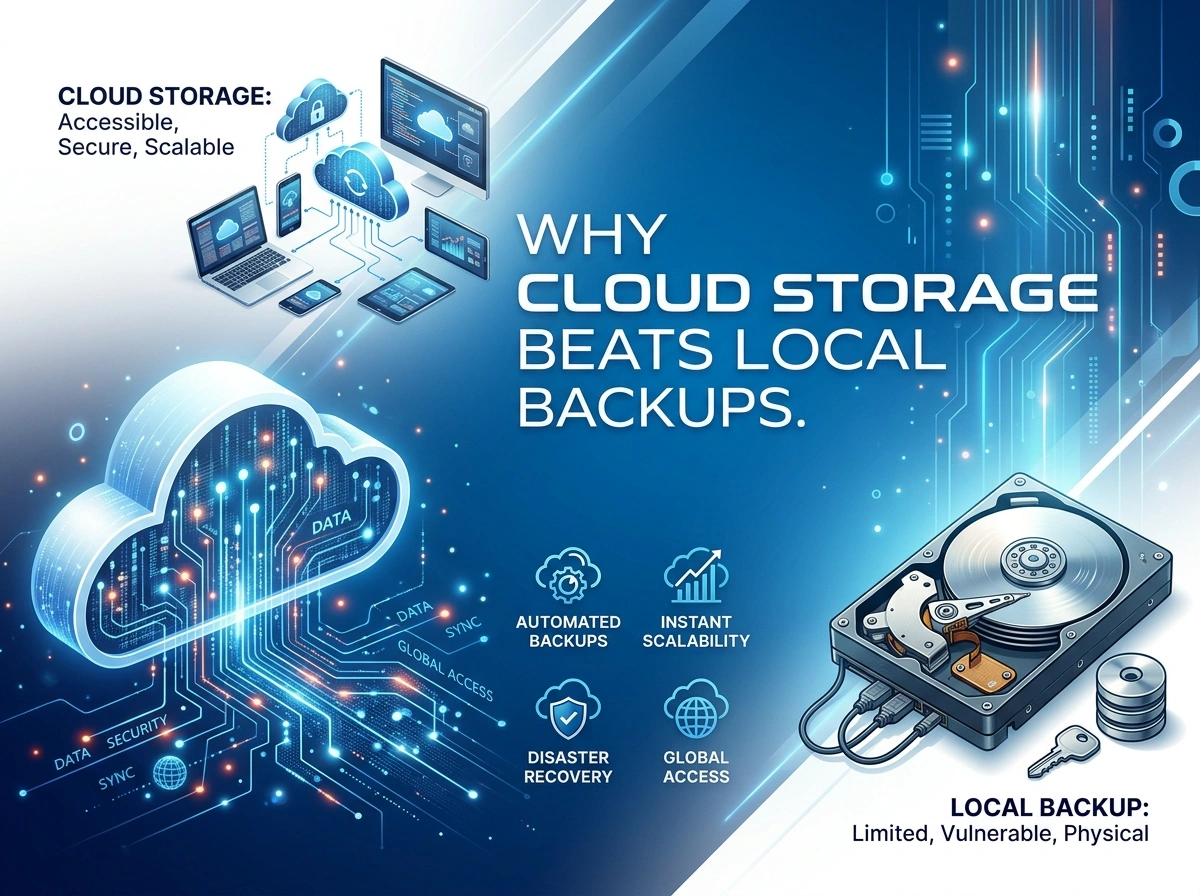
Your data is one of your most valuable assets. Whether you run a small business in Texas, manage a growing startup in California, or simply store family photos at home, losing files can feel devastating. For years, people relied on local backups, such as external hard drives, USB sticks, and physical servers, to keep their information safe. But times have changed.
Cloud storage has become the smarter, safer, and more affordable choice for protecting your data. The experts at teck-jb.com have studied both methods closely, and the verdict is clear: cloud storage simply outperforms local backups in nearly every way. Let’s break down why.
The Hidden Risks of Local Backups
Local backups feel reassuring because you can hold them in your hand. You know exactly where your data lives. But that sense of control comes with serious risks that many people overlook until it’s too late.
Hardware Failure Is Not a Matter of “If” but “When”
Every physical device has a lifespan. Hard drives wear out. Solid-state drives degrade over time. Even the most reliable equipment can fail without warning. When that happens, your backup vanishes in an instant.
Studies consistently show that a meaningful percentage of hard drives fail within just a few years of use. If your only backup sits on a single device, you’re gambling with your data every single day.
Theft and Physical Loss
A laptop left in a car. A break-in at the office. A misplaced USB drive at the airport. Local backups are physical objects, which means they can be stolen or simply lost. When someone walks away with your hardware, they walk away with your data too. For businesses handling sensitive customer information, this can also create serious regulatory and compliance problems.
Natural Disasters and Local Emergencies
The United States spans a huge geographical area with wildly different climates and risks. Wildfires in the West, hurricanes along the Gulf Coast, flooding in the Midwest, and severe storms in the Northeast all pose real threats. A fire or flood can wipe out your computer and your backup drive at the same time, especially if they sit in the same room.
When your data and your backup share the same physical location, a single disaster can erase everything.
Scalability Headaches
As your needs grow, local storage struggles to keep up. Run out of space? You’ll need to buy another drive, find somewhere to store it, and manage the whole system yourself. This gets expensive and messy fast. For growing businesses, scaling local storage often means more hardware, more maintenance, and more chances for something to go wrong.
Why Cloud Storage Comes Out on Top
Cloud storage solves nearly every problem that local backups create. Instead of relying on a single device sitting on your desk, your data lives in secure, professionally managed data centers, often spread across multiple locations. Here’s why that matters.
Access Your Files From Anywhere
One of the biggest advantages of cloud storage is remote accessibility. As long as you have an internet connection, you can reach your files from any device, anywhere in the country. This flexibility is a game-changer for remote teams, traveling professionals, and anyone who works across multiple devices.
You no longer need to carry a hard drive or remember to grab a specific laptop. Your data follows you, securely and conveniently.
Automatic Backups Mean No More Forgetting
How often do you actually remember to back up your files manually? For most people, the honest answer is “not often enough.” Local backups depend on human discipline, and humans forget.
Cloud storage handles this for you. Most services back up your data automatically, in real time or on a set schedule. You set it once and let it run quietly in the background. That means your most recent work is always protected, without you lifting a finger.
Cost-Efficiency That Adds Up
Buying drives, replacing failed hardware, and maintaining physical servers costs real money over time. Cloud storage flips this model. Instead of large upfront purchases, you pay a predictable subscription based on what you actually use.
For small businesses especially, this is a smart financial move. You avoid the hidden costs of hardware maintenance, IT troubleshooting, and emergency replacements. You only pay for the storage you need, and you can adjust as your situation changes.
Scale Up or Down Instantly
Need more space? With cloud storage, expanding is as simple as a few clicks. There’s no shopping for new equipment, no installation, and no clutter. The same is true if your needs shrink. This flexibility lets your storage grow alongside your business or personal life, without painful upgrades.
This kind of scalability is something local backups can never match.
Built-In Disaster Recovery
This is where cloud storage truly shines. Because your data is stored offsite, often copied across several data centers in different regions, a local disaster won’t touch it. If your office floods or your home is damaged, your files remain perfectly safe in the cloud.
Reputable providers build redundancy into their systems, meaning your data exists in more than one place at the same time. If one server fails, another instantly takes over. This level of protection is nearly impossible to replicate with a single backup drive at home.
Advanced Security You Can Trust
Some people worry that storing data online makes it less secure. In reality, leading cloud providers invest heavily in protection that most individuals and small businesses simply can’t afford on their own. This includes strong encryption, both while your data travels and while it sits in storage, along with multi-factor authentication, continuous monitoring, and regular security audits.
These providers also work hard to meet strict regulatory standards, which is especially important for businesses that must comply with industry rules. Compare that to a USB drive with no encryption sitting in a desk drawer, and the difference becomes obvious.
Local Backups vs. Cloud Storage: A Quick Comparison
To make the differences clear, here’s a side-by-side look:
|
Feature |
Local Backups |
Cloud Storage |
|---|---|---|
|
Hardware failure risk |
High |
Very low |
|
Theft and physical loss |
Possible |
Not a factor |
|
Disaster protection |
Weak |
Strong |
|
Remote access |
Limited |
Anywhere |
|
Automatic backups |
Manual effort |
Built-in |
|
Scalability |
Difficult |
Instant |
|
Long-term cost |
Unpredictable |
Predictable |
|
Security |
Depends on you |
Enterprise-grade |
The pattern is hard to ignore. Cloud storage wins in category after category.
Is Local Backup Ever Worth Keeping?
To be fair, local backups aren’t completely useless. Some people prefer a hybrid approach, keeping a local copy for quick access while relying on the cloud for true protection and recovery. This can offer the best of both worlds.
However, if you had to choose only one method, the cloud is the clear winner. It removes the single points of failure that make local-only backups so risky. A local drive should be a bonus, not your primary line of defense.
Making the Switch
Moving to cloud storage is easier than most people expect. Start by choosing a trusted provider with a strong reputation for security and reliability. Look for features like automatic backups, encryption, and dependable customer support. Then, transfer your important files and set up an automatic backup schedule.
For tips, comparisons, and trusted recommendations on the best tools and services, the team at teck-jb.com offers helpful, practical guidance to get you started on the right foot.
The Bottom Line
The debate between cloud storage and local backups is, frankly, settled. Local backups carry too many risks, hardware failure, theft, disasters, and limited scalability, to serve as your only safety net. Cloud storage answers each of these weaknesses with remote access, automatic backups, predictable costs, effortless scaling, powerful disaster recovery, and advanced security.
Your data deserves better than a single drive that could fail tomorrow. By embracing the cloud, you gain peace of mind knowing your most important files are protected, accessible, and ready whenever you need them. The smart, future-ready choice is clear, and the experts agree: cloud storage beats local backups, hands down.
