
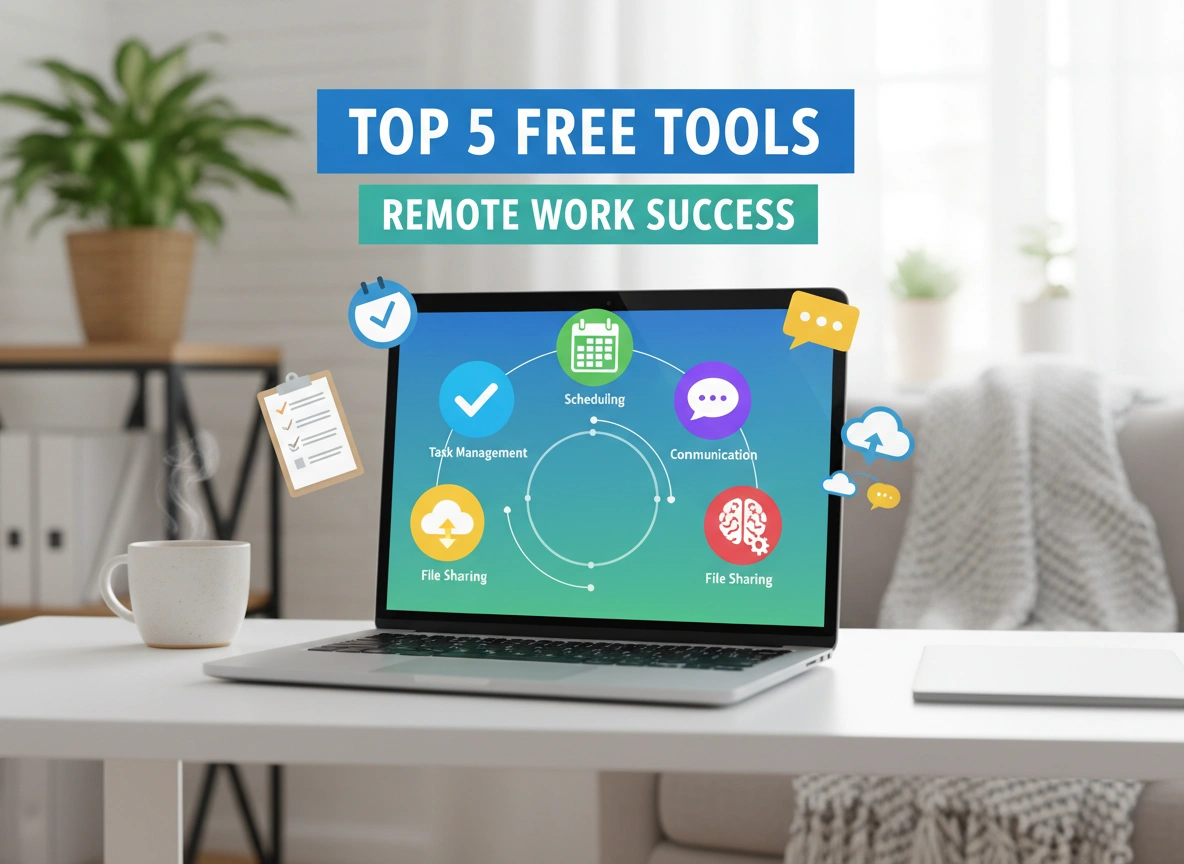
Remote work has shifted from a rare perk to a global standard. While the freedom of working from anywhere is liberating, it comes with a unique set of challenges. How do you stay connected with your team without constant interruptions? How do you keep projects on track when your manager isn’t sitting across the room? And perhaps most importantly, how do you do all of this without spending a fortune on expensive software subscriptions?
The answer lies in building a robust digital toolkit. Fortunately, the market is flooded with high-quality software that doesn’t cost a dime. The right tools can bridge communication gaps, streamline workflows, and help you maintain focus in a distracting home environment.
This article dives deep into the top five free tools that are absolute game-changers for remote professionals. We will explore how each platform works, why it matters, and real-world scenarios where it saves the day. Whether you are a freelancer, a startup founder, or an employee navigating a hybrid model, these tools will help you work smarter, not harder.
1. Trello: Visual Project Management Made Simple
When you work remotely, visibility is everything. You need to know who is doing what and by when. Trello is a project management powerhouse that uses the Kanban methodology to visualize tasks. Its free plan is incredibly generous, making it perfect for individuals and small teams.
Key Features
Trello operates on a system of Boards, Lists, and Cards. Imagine a whiteboard filled with sticky notes, but digital and supercharged.
- Kanban Boards: Create workflows that move from left to right (e.g., “To Do,” “Doing,” “Done”).
- Unlimited Cards: Add as many task cards as you need within your boards.
- Checklists and Attachments: Break big tasks into smaller steps and attach files directly to the card.
- Power-Ups: Even on the free plan, you can integrate with other apps like Google Drive or Slack to centralize your work.
Why It Drives Success
Trello succeeds because it reduces cognitive load. You don’t have to hold your entire to-do list in your head. By visualizing your workflow, you can instantly spot bottlenecks. If the “In Progress” list is overflowing while the “Done” list is empty, you know exactly where the problem lies. It brings clarity to chaos without requiring a steep learning curve.
Practical Scenario
Imagine you are a content marketing manager coordinating a blog launch remotely. You create a Trello board with lists for “Ideation,” “Drafting,” “Editing,” “Graphics,” and “Published.” As a writer finishes a draft, they drag their card from “Drafting” to “Editing.” You get a notification instantly. There is no need for a status update meeting or a confusing email thread. The board tells you everything you need to know at a glance.
2. Slack: The Virtual Office Headquarter
Communication is the lifeblood of remote work, but email is often too slow and clunky for quick collaboration. Slack serves as a digital headquarters, replacing the casual desk-side chat and the quick questions that usually happen in a physical office.
Key Features
Slack organizes conversations into dedicated spaces called Channels.
- Organized Channels: Create public channels for teams (e.g., #marketing, #design) or projects (e.g., #website-redesign).
- Direct Messages: Have private, secure conversations with individual colleagues.
- Huddles: Start quick, audio-only conversations that mimic walking over to someone’s desk.
- File Sharing: Drag and drop documents, images, and PDFs directly into the chat.
Why It Drives Success
Slack facilitates asynchronous communication while still allowing for real-time urgency when needed. It separates work conversations from your personal inbox, helping you maintain a healthier work-life balance. The free version offers access to the last 90 days of message history, which is sufficient for most current projects. It also integrates with virtually every other tool on this list, acting as a central hub for notifications.
Practical Scenario
Your remote development team encounters a critical bug on the website. Sending an email might result in a response hours later. Instead, the developer posts a screenshot of the error in the #dev-team channel on Slack. The project manager sees it, tags the lead engineer, and they jump on a quick “Huddle” within the channel to discuss the fix. Within ten minutes, the issue is resolved. This speed of collaboration is impossible with email alone.
3. Zoom: Reliable Face-to-Face Connection
Text-based communication is great, but sometimes you just need to see someone’s face. Nuance, tone, and body language are often lost in chat. Zoom has become synonymous with video conferencing for a reason: it works reliably, even on slower internet connections.
Key Features
Zoom’s free tier is robust enough for most professional needs.
- High-Quality Video and Audio: Industry-leading stability ensures you don’t freeze mid-sentence.
- Screen Sharing: Share your entire desktop or just a specific application window to present work.
- 40-Minute Limit for Groups: While 1-on-1 meetings are unlimited, group meetings have a time cap, which actually encourages shorter, more focused meetings.
- Virtual Backgrounds: Hide your messy living room with professional (or fun) background images.
Why It Drives Success
Isolation is a real risk in remote work. Zoom reintroduces the human element. Seeing a colleague smile or nod in agreement builds rapport and trust that text cannot replicate. Furthermore, screen sharing is indispensable for troubleshooting. Trying to explain a technical issue over the phone is frustrating; showing it on Zoom is instant.
Practical Scenario
You are a freelance graphic designer presenting a new logo concept to a client. Sending a PDF via email leaves too much room for misinterpretation. Instead, you schedule a Zoom call. You share your screen and walk them through your design choices, pointing out specific details with your cursor. You can gauge their immediate reaction by watching their face. If they look confused, you can clarify immediately. This real-time feedback loop saves days of back-and-forth revisions.
4. Google Drive: Collaborative Cloud Storage
The days of emailing file attachments named “Project_Final_v3_FINAL_REAL.docx” are over. Google Drive, along with its suite of Docs, Sheets, and Slides, allows teams to work on the same document simultaneously from anywhere in the world.
Key Features
Google Drive provides 15GB of free storage, which is substantial for documents and spreadsheets.
- Real-Time Co-authoring: Watch your colleague type in the same document you are editing.
- Commenting and Suggestions: Leave feedback on specific sections without altering the original text.
- Version History: Accidentally deleted a paragraph? You can revert to a version from an hour ago—or a week ago.
- Universal Access: Access your files from your phone, tablet, or any computer with a browser.
Why It Drives Success
It creates a “single source of truth.” There is only one version of the document—the live one. This eliminates version control nightmares and ensures everyone is working with the most current data. For remote teams, the ability to leave comments creates a contextual conversation right where the work is happening, rather than in a disconnected email thread.
Practical Scenario
A remote sales team is preparing a quarterly report presentation. The manager creates a Google Slide deck. She assigns slides 1-5 to the marketing lead and slides 6-10 to the sales rep. Both team members open the presentation at the same time. They can see each other working. The manager leaves a comment on slide 3 asking for a data update. The marketing lead replies to the comment and updates the chart instantly. They complete the presentation in an hour without sending a single file back and forth.
5. Loom: Asynchronous Video Messaging
Sometimes typing an explanation takes too long, but a meeting feels like overkill. This is the “Goldilocks” zone where Loom shines. Loom allows you to record your screen and your face simultaneously, creating a quick video message that can be shared instantly with a link.
Key Features
The free plan allows for up to 25 videos with a 5-minute duration limit per video.
- Screen + Cam Recording: Record your desktop while a small bubble shows your face talking.
- Instant Sharing: As soon as you hit stop, a link is generated. No uploading or rendering time is required.
- Viewer Insights: See who watched your video and for how long.
- Reactions and Comments: Viewers can leave emojis or comments at specific timestamps in the video.
Why It Drives Success
Loom recovers lost time. It replaces the “quick sync” meetings that disrupt deep work. Instead of interrupting a colleague to show them how to use a new software feature, you record a 2-minute Loom. They can watch it whenever they have free time, at 1.5x speed if they prefer. It respects everyone’s schedule and provides a permanent resource they can refer back to later.
Practical Scenario
You are onboarding a new remote employee. You need to show them how to log their hours in the company portal. Instead of scheduling a 30-minute Zoom training session, you record a 3-minute Loom video walking through the process step-by-step. You send the link in their welcome email. The new employee watches it, pauses it to follow along, and bookmarks it for next week. You have saved yourself 27 minutes and given them a better training asset.
Conclusion
Remote work success isn’t about buying the most expensive software suite; it is about selecting the right tools to solve specific problems. The five tools outlined above—Trello for organization, Slack for communication, Zoom for connection, Google Drive for collaboration, and Loom for efficiency—cover the fundamental pillars of a productive digital workspace.
Best of all, because they are free, the barrier to entry is non-existent. You can start testing these workflows today.
Actionable Next Steps:
- Audit your current toolkit: Are you paying for tools you don’t use? Could a free version of Trello or Slack replace a paid subscription?
- Pick one friction point: Identify one area where your remote work feels “stuck.” Is it confusing email threads? Try Slack. Is it unclear project status? Try Trello.
- Implement one tool this week: Don’t try to change everything at once. Introduce one new tool to your workflow and commit to using it for a week.
By leveraging these free resources, you can build a remote work environment that is professional, efficient, and surprisingly cost-effective.
Please visit website for more info.
