
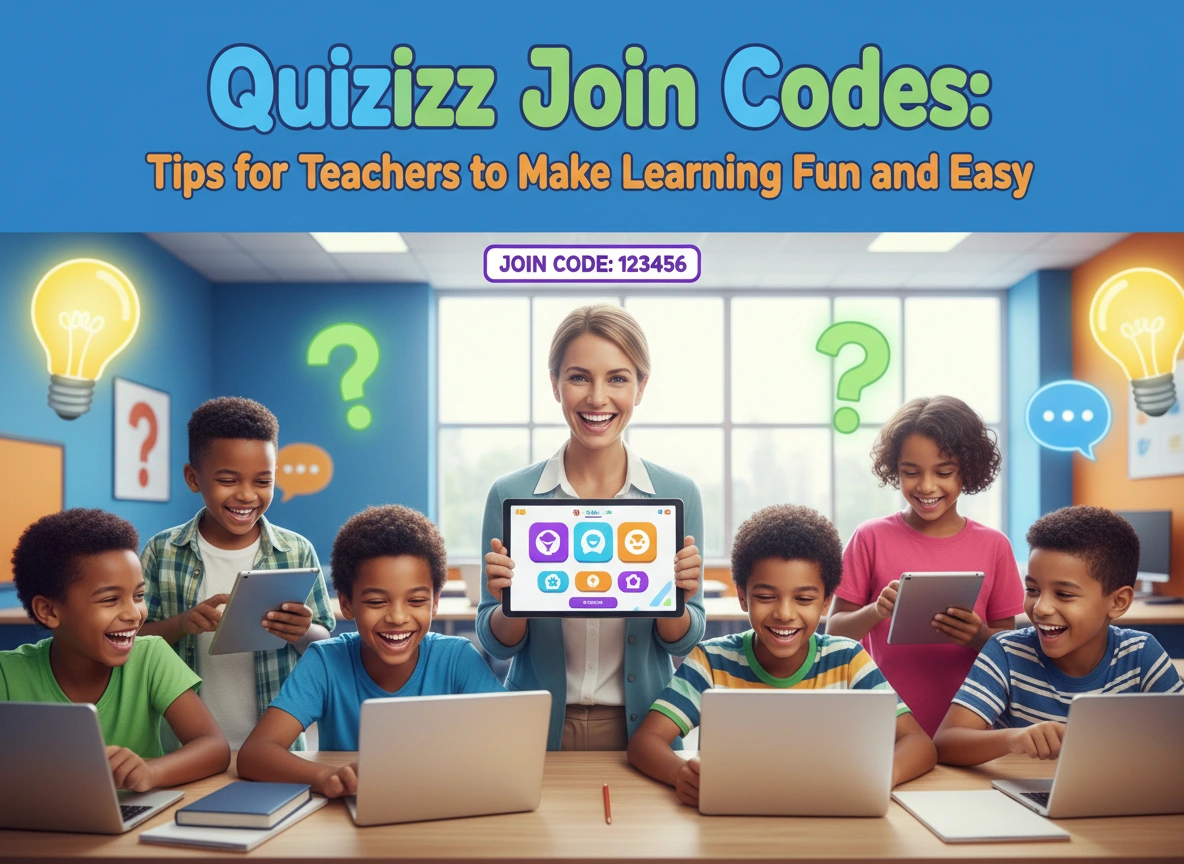
Capturing the attention of a classroom full of students is no small feat. Traditional lectures and paper worksheets often leave learners feeling disconnected and uninspired. If you want to transform your lessons into highly interactive experiences, gamified learning platforms offer a reliable solution. Among these platforms, Quizizz stands out as a powerful tool for educators.
At the heart of this platform lies a simple but effective mechanic: the join code. This unique string of numbers acts as a digital key, inviting students into a shared virtual space where learning feels like play. When you master the use of these codes, you can instantly turn a standard review session into an exciting competition.
This guide will explore how you can use these codes to enhance classroom engagement. We will cover the benefits of the platform, practical teaching strategies, and actionable tips to make your lessons both fun and effective.
What Are Quizizz Join Codes?
A join code is a unique, randomly generated series of numbers that connects your students to a specific quiz or interactive lesson. When you launch a game on the platform, the system generates this code automatically.
Students do not necessarily need an account to participate. They simply navigate to the platform, enter the numbers provided by the teacher, and type in their names. This frictionless entry process saves valuable instruction time. You avoid the headache of managing forgotten passwords or walking students through complicated login procedures.
Within seconds, your entire class can sync up and prepare to answer questions, whether they sit in the same room or join remotely from home.
Why Use Quizizz in Your Classroom?
Integrating gamified quizzes into your curriculum does more than just entertain students. It provides significant educational benefits that support both teaching and learning.
Immediate, Actionable Feedback
When students answer a question on paper, they might wait days to find out if they answered correctly. Gamified platforms provide instant feedback. The moment a student selects an answer, they know if they hit the mark or missed it. This immediate reinforcement helps them correct misunderstandings in real time, solidifying their grasp of the material.
Gamified Learning Environment
We all learn better when we feel motivated. Quizizz uses game mechanics like points, leaderboards, and power-ups to keep students engaged. These elements trigger a healthy sense of competition. Students want to perform well, not just to get a good grade, but to climb the leaderboard and earn bragging rights among their peers.
Low-Stakes Assessment
Testing anxiety can severely impact student performance. Traditional quizzes carry high stakes, making students nervous and prone to mistakes. Gamified quizzes feel different. Because they look and play like video games, students often forget they are being assessed. This low-stakes environment reduces anxiety and allows for a more accurate measurement of student comprehension.
Data-Driven Insights for Teachers
While students enjoy the game, you gather valuable data. The platform tracks individual and class-wide performance, highlighting which questions caused the most trouble. You can use these insights to adjust your lesson plans. If the majority of the class misses a question about fractions, you know exactly what to review the following day.
How to Generate and Share Your Code
Setting up an activity is incredibly straightforward. First, you need to create a new quiz or select an existing one from the extensive library created by other educators. Once you have your content ready, choose whether you want to host a live session or assign the quiz as homework.
Selecting either option will generate a unique code for your session. Display this code prominently on your interactive whiteboard or projector screen. Tell your students to grab their devices, open their web browsers, and head to the join page. If you are looking for more resources or a direct entry portal, you can easily set up a quizizz join link on your classroom website or learning management system.
For younger students, consider generating a QR code that links directly to the session. They can scan the code with their tablets, completely bypassing the need to type in the numbers.
Practical Tips for Teachers to Maximize Engagement
Knowing how to generate a code is just the first step. To truly make learning fun and easy, you need to deploy these quizzes strategically. Here are several practical tips you can start using immediately.
Use Quizzes as Bell Ringers
Start your class with a quick, five-question game. Display the code on the board before students even walk into the room. As they settle into their seats, they can log in and start answering questions based on yesterday’s lesson. This routine establishes a focused environment right from the bell and gives you time to take attendance.
Create Meaningful Exit Tickets
Wrap up your lesson five minutes early and launch a quick game to assess what students absorbed during the class. Exit tickets help you measure the effectiveness of your instruction. By using a gamified platform, you ensure students end the period on a high note, leaving your classroom energized.
Assign Homework That Does Not Feel Like Homework
Getting students to complete homework can often feel like pulling teeth. By assigning a game instead of a worksheet, you change the dynamic. Set a deadline and give students a code they can use at home. Because they can replay the game multiple times to improve their score, they end up spending more time reviewing the material than they would with traditional assignments.
Host Live Team Competitions
Collaboration is a vital skill for students to develop. Instead of having students play individually, group them into teams. They can discuss the questions quietly and agree on an answer before submitting it. This encourages peer-to-peer teaching, where stronger students explain concepts to their classmates in a language they easily understand.
Customize Content for Differentiated Learning
Not all students learn at the same pace. You can duplicate a quiz and slightly alter the difficulty level of the questions. Generate two different codes and discretely assign them to different groups of students based on their learning needs. Everyone participates in the same activity, but each student receives a challenge tailored to their specific ability level.
Best Practices for Creating Your Own Quizzes
While the platform offers millions of pre-made quizzes, creating your own ensures the content aligns perfectly with your curriculum. When building your assessments, keep a few best practices in mind.
Keep Questions Clear and Concise
Students view these games on various devices, including small smartphone screens. Keep your questions brief and to the point. Avoid lengthy word problems that require excessive scrolling. If a question requires a lot of reading, consider breaking it down into two or three smaller questions.
Use Engaging Visuals
Text-heavy quizzes can become visually fatiguing. Break up the monotony by adding relevant images, diagrams, or short audio clips to your questions. Visual aids not only make the quiz more attractive but also help accommodate visual learners who benefit from seeing concepts illustrated.
Add a Touch of Humor
Do not be afraid to inject some personality into your quizzes. Include funny memes for correct or incorrect answers. Add a joke or a silly option as a distractor in a multiple-choice question. Humor reduces stress and reminds students that learning can be a joyful experience.
Balance the Difficulty
A game that is too easy will bore your students, while one that is too difficult will frustrate them. Aim for a balanced mix of questions. Start with a few easy questions to build confidence, then gradually introduce more challenging concepts. End the quiz with a moderately easy question to ensure they finish feeling successful.
Troubleshooting Common Classroom Issues
Even with the most intuitive technology, minor hiccups can occur. Preparing for these moments ensures your lesson continues smoothly.
If a student struggles to connect, ask them to check their internet connection or simply refresh their browser page. Sometimes, an incorrect digit is the culprit, so double-check that they typed the code correctly.
If a student enters an inappropriate nickname, you can easily remove them from the session with a click of a button. They will need to re-enter the code and choose a suitable name to rejoin. To prevent this entirely, you can activate the platform’s name generator, which assigns safe, friendly names to all participants automatically.
Conclusion
Integrating gamified learning into your daily routine does not have to be complicated. With Quizizz join codes, you hold a simple yet incredibly effective tool to boost participation and measure student understanding. By utilizing strategies like bell ringers, team competitions, and gamified homework, you create a dynamic environment where students actually look forward to taking quizzes.
Take a few minutes this week to find a quiz that aligns with your current lesson plan. Generate a code, display it for your class, and watch as their engagement transforms. When you make learning fun and easy, everyone wins.
